
For AI integrations, the old WooCommerce-specific MCP endpoint is removed. Connected clients must use the WordPress MCP Adapter plugin and a WordPress Application Password.
The WooCommerce MCP endpoint is removed
WooCommerce 11.3 removes /wp-json/woocommerce/mcp, its REST API key authentication path and the older REST-derived abilities. Core product and order abilities are registered through the WordPress Abilities API instead.
If an AI client used the old endpoint, install the official MCP Adapter, connect to its default server and authenticate with a dedicated WordPress user and Application Password. Revoke the old REST API key after the migration works. Custom abilities need public MCP metadata and do not automatically carry over from the deprecated filters.
A refund and returns policy becomes easier to declare
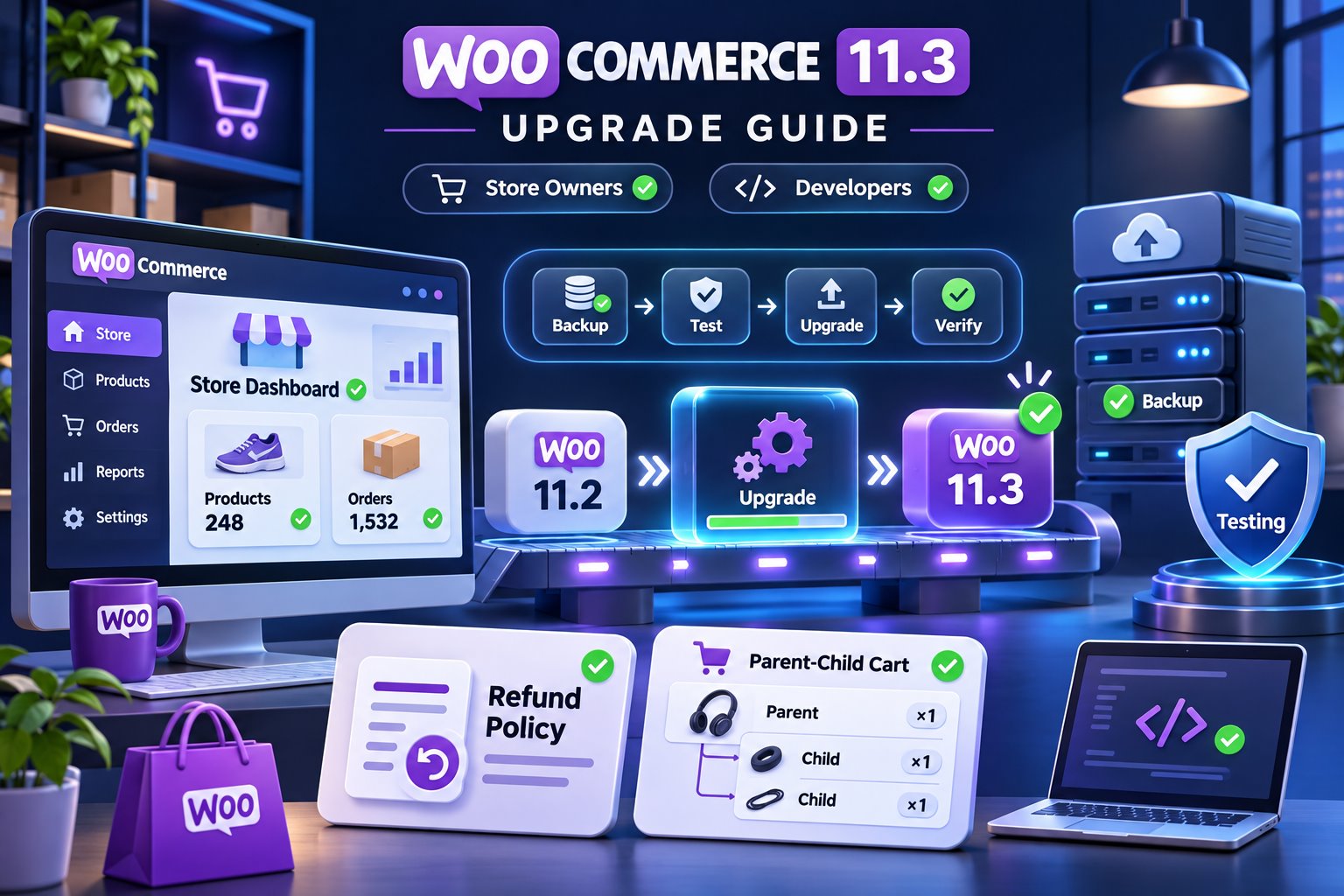
Merchants can select a refund and returns policy under WooCommerce settings. WooCommerce can then expose the relationship with structured data and a discoverable link.
This does not write the policy for you or guarantee a rich result. The page still needs accurate terms for your market, products and process. Link it from the footer, checkout and order communications where appropriate.
Parent-child cart items improve bundles and add-ons
The Store API gains a parent_item_key field and a filter that extensions can use to connect child items to a parent. That can make cart counts and grouped product experiences more accurate.
Stores using bundles, add-ons, product kits or custom Store API work should test the mini-cart, cart totals, quantity changes, removal behavior and checkout serialization. A technically correct relationship can still produce confusing customer-facing counts if the extension and theme disagree.
Older PHP stores will see a preparation notice
WooCommerce 11.3 still supports PHP 7.4 and 8.0, but it introduces a notice because WooCommerce 11.6, planned for February 2027, will require PHP 8.1 or newer. WooCommerce recommends PHP 8.3 or newer for an updated environment.
Do not switch PHP blindly on production. Test the theme, payment gateways, shipping, scheduled actions, PDF invoices and custom code on staging first.
A practical WooCommerce 11.3 test plan
- Create a restorable backup and clone production to staging.
- Update WordPress, WooCommerce and maintained extensions in a documented order.
- Test simple, variable, downloadable and subscription products used by the store.
- Verify cart, coupon, shipping, tax, payment, account and refund flows.
- Review scheduled actions and logs for failed background jobs.
- Confirm webhooks, ERP/CRM connections and custom REST or Store API code.
- Run a mobile checkout and a keyboard-only checkout.
Frequently asked questions
Do all stores need the MCP Adapter?
No. Only stores that want to expose registered abilities to a compatible MCP client need it.
Will WooCommerce 11.3 stop working on PHP 8.0?
No. The requirement changes with WooCommerce 11.6. Version 11.3 adds advance notice.
Can I update WooCommerce before extensions?
Use a staging test and the extension vendors’ compatibility guidance. There is no universal order that makes an incompatible extension safe.
Official sources
WooCommerce updates should be tested around money, data and integrations. A green dashboard is useful, but a completed mobile checkout and clean logs are better evidence.