
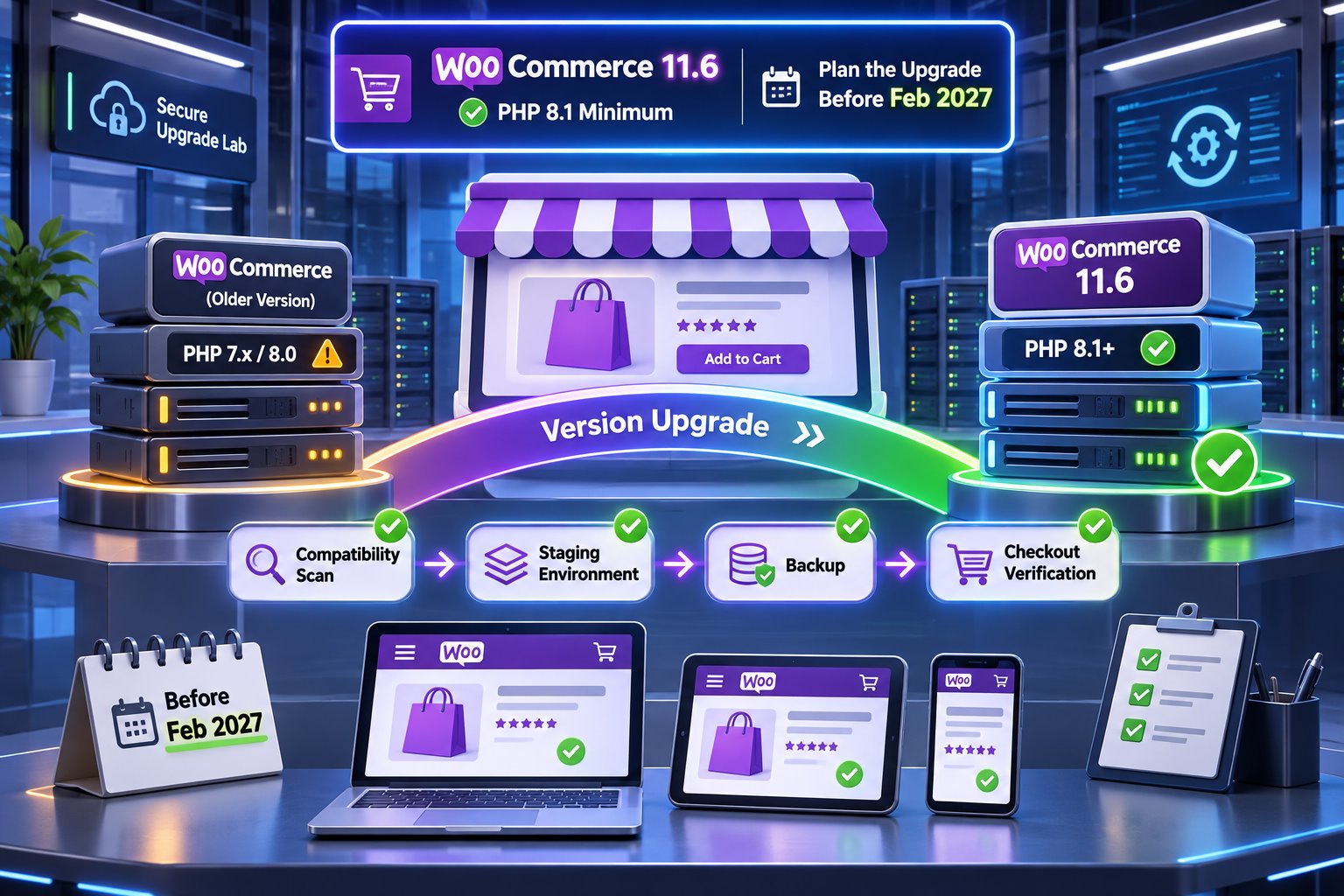
No. WooCommerce 11.5 is the last planned release compatible with PHP 7.4 and 8.0. The minimum changes with 11.6. Staying on 11.5 buys time, but it is not a long-term security strategy.
Why WooCommerce is raising the minimum
PHP 7.4 and 8.0 no longer receive upstream security support. Supporting them also keeps WooCommerce tied to older dependencies and additional compatibility paths. A newer baseline lets the project remove legacy workarounds and use maintained libraries.
WooCommerce 11.3 adds an administrative notice so affected stores can prepare before the requirement takes effect. That notice is an early warning, not evidence that the store is already broken.
PHP 8.1 is the minimum, not the ideal target
WooCommerce says PHP 8.1 satisfies the 11.6 requirement and currently recommends PHP 8.3 or newer. The best target depends on your hosting, WordPress version, extensions and custom code.
Do not choose the newest runtime only because it exists. Choose the newest supported version that your entire production stack has passed on staging, then keep a plan for the next supported upgrade.
Where an older store is most likely to fail
- Abandoned payment, shipping or checkout extensions.
- Custom themes that trigger deprecated PHP behavior.
- Old snippets copied into a child theme or code plugin.
- IonCube or server extensions not available for the target PHP version.
- Background jobs, PDF generation, imports and exports that are not part of a normal browsing test.
- Custom ERP, CRM, tax or inventory integrations.
A homepage that loads is not a compatibility test. Revenue paths and operational workflows matter more.
A six-step PHP upgrade plan
- Inventory. Record PHP, WordPress, WooCommerce, theme and extension versions.
- Back up. Create a complete backup and verify how it will be restored.
- Clone. Build a staging copy with representative orders, users and products.
- Update software. Bring maintained plugins and themes to compatible releases before changing PHP.
- Change PHP on staging. Review server and WooCommerce logs immediately.
- Test, schedule and monitor. Deploy in a quiet window with a rollback path and post-launch checks.
What to verify before production
- Product variations, search, filters and add-to-cart.
- Guest and account checkout with each active gateway.
- Shipping, tax, coupons, subscriptions and refunds.
- Order email, SMTP/API delivery and PDF attachments.
- Scheduled actions, webhooks, feeds and imports.
- Admin order editing, reports and fulfillment tools.
- PHP error logs, browser console and performance baseline.
Frequently asked questions
Can my host upgrade PHP for me?
Usually, but the host cannot prove that every plugin and business workflow is compatible. Ask for staging, backup and rollback options.
Should I choose PHP 8.1 or 8.3?
8.1 meets the minimum. WooCommerce recommends 8.3 or newer. Test the target version with your full stack before production.
Will a PHP update improve store speed?
It can improve runtime performance, but slow queries, heavy extensions, images and hosting limits can still dominate. Measure before and after.
Official sources
The expensive part of a PHP upgrade is not clicking the version selector. It is discovering hidden incompatibilities before a customer does.