
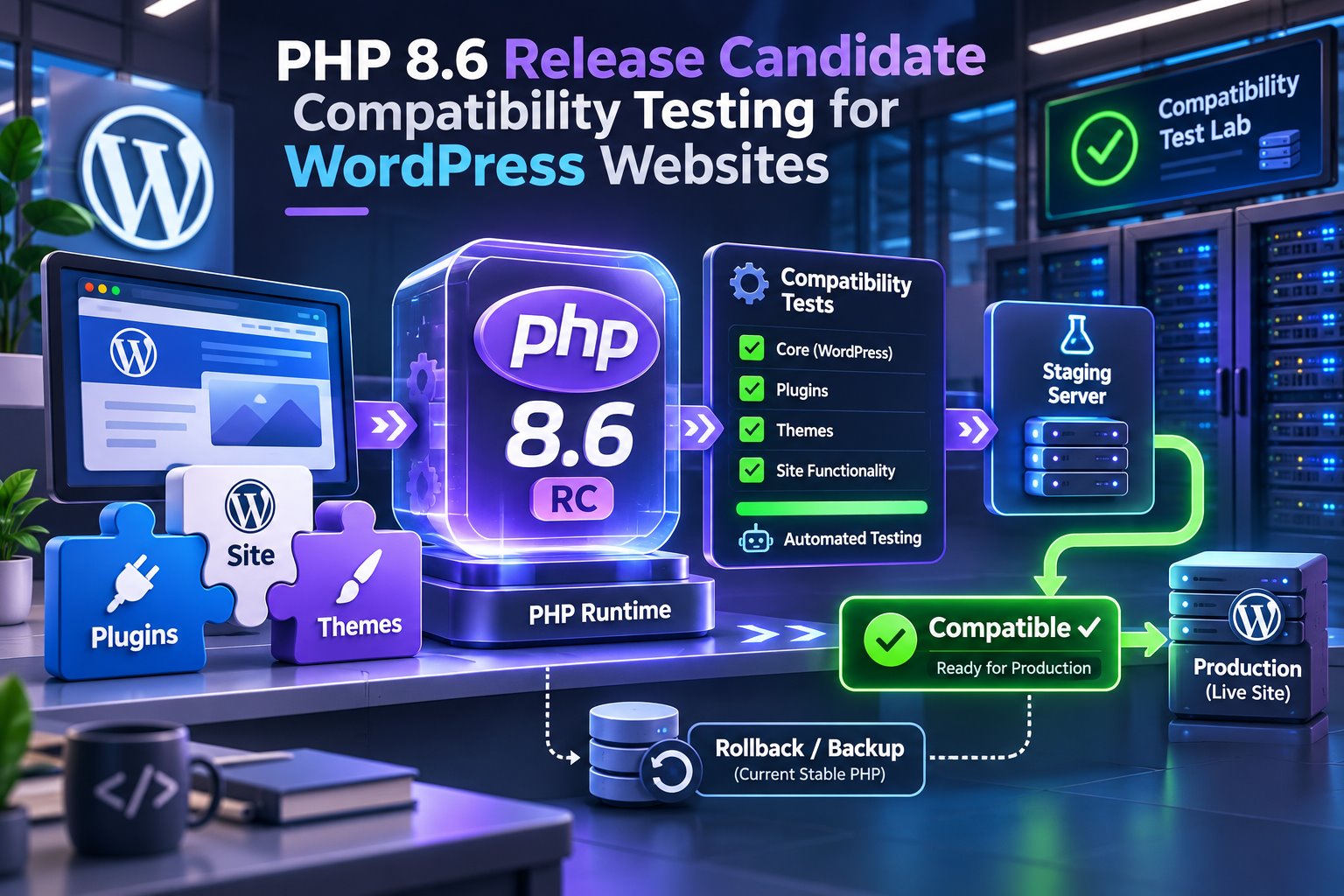
A release candidate is meant for ecosystem testing. Production support depends on the final PHP release, WordPress core compatibility, your host and every active plugin, theme and integration. Verify current compatibility documentation before deployment.
PHP 8.6 is still pre-release software
The PHP project lists 8.6.0 RC5 as a pre-release build dated 5 November. The purpose of a release candidate is to find regressions and compatibility problems before the final release.
That makes it useful to maintainers and agencies. It does not make it a production target. A hosting control panel offering a version also does not prove that your application stack supports it.
Why WordPress developers should test early
WordPress core can adapt quickly, but the real site includes more than core. A plugin may use deprecated behavior, a theme may contain older custom code and a server extension may lag behind the runtime.
Early testing lets maintainers report precise failures before clients feel pressure to upgrade. It also reveals which abandoned extension is blocking the next supported PHP move.
A useful compatibility method
- Build a clean matrix. Test a fresh WordPress install, then the real stack.
- Match production. Use the same extensions, theme and representative data on staging.
- Enable logging. Capture PHP errors, warnings and deprecation notices without displaying them publicly.
- Run automated tests. Include plugin tests, static analysis and coding-standard checks where the project has them.
- Test behavior. Use the editor, forms, authentication, cron, REST routes and business workflows.
- Compare performance. Measure with the same cache and data conditions.
WordPress and WooCommerce checks
- Plugin activation, updates and uninstall routines.
- Block editor, widgets, theme templates and customizer code still in use.
- Image upload, processing and PDF/document generation.
- Contact-form validation and mail/API delivery.
- WooCommerce products, cart, checkout, payments, refunds and scheduled actions.
- WP-CLI commands, imports, exports, webhooks and background queues.
- Custom code that touches dynamic properties, type coercion, strings, date handling or database drivers.
When to consider production
Wait for the stable PHP release, supported hosting packages and WordPress ecosystem compatibility. Then repeat the full test with the final build. Choose a deployment window, take a fresh backup and retain the previous supported PHP version as a rollback option until monitoring is clean.
If a plugin fails, do not suppress every warning and hope. Determine whether the issue is harmless noise, a real incompatibility or evidence that the extension should be replaced.
Frequently asked questions
Can I install PHP 8.6 RC5 on my live WordPress site?
You should not. Release candidates are for testing and feedback, not production workloads.
Will PHP 8.6 make WordPress faster?
Runtime improvements may help, but site performance also depends on queries, plugins, caching, assets and infrastructure. Benchmark the real site.
What if my host does not offer PHP 8.6?
That is normal during pre-release. Use a local container, CI matrix or isolated test service if you maintain code that needs early validation.
Official sources
Test early, deploy late. A release candidate helps you find tomorrow’s problems in a safe environment; it should not create today’s production incident.