Website redesign
 Wajih Shaikh
Before redesigning a WordPress website: a practical checklist
The safest redesigns begin with an inventory. A new interface is only one part of the job; URLs, forms, analytics, content, integrations and editing workflows all need a plan.
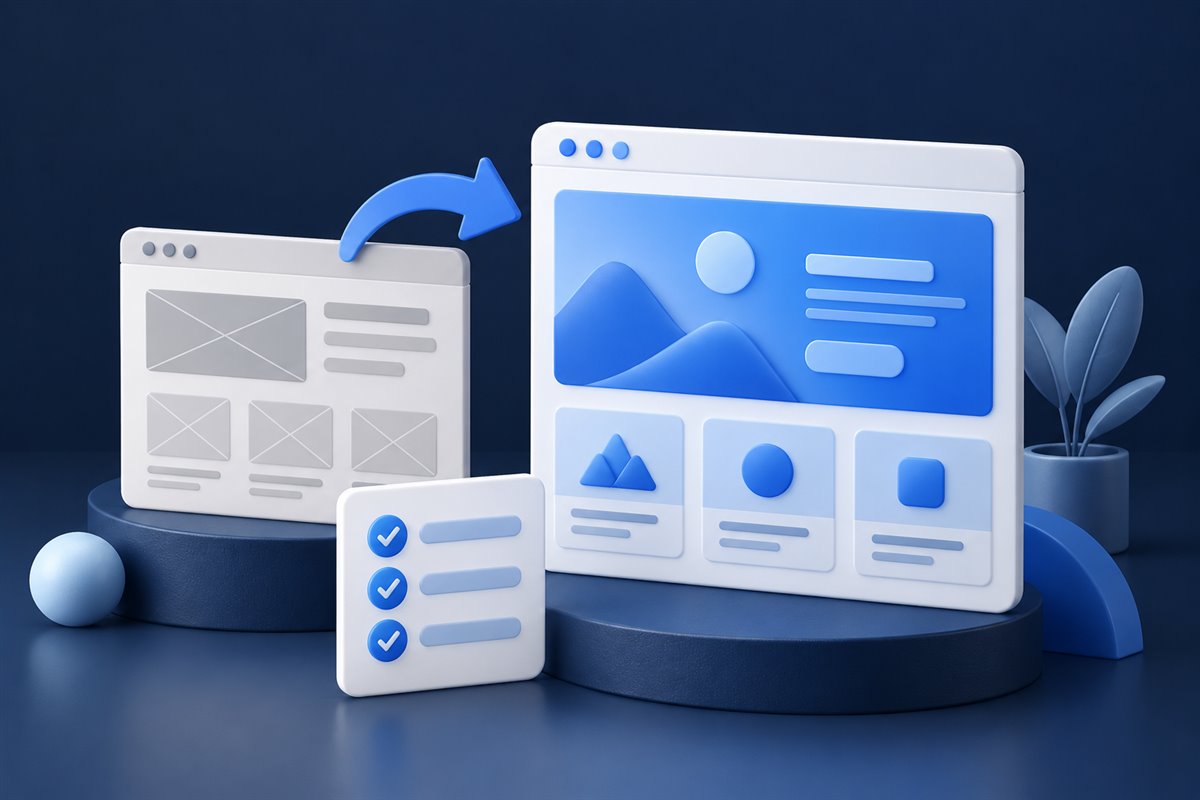
What should you do before a WordPress redesign? Inventory the existing site, decide what must be preserved and agree on the new content structure. Plan URL changes and contact workflows before the visual rebuild starts.
List the pages and templates that matter
Start with the pages that receive traffic, generate inquiries or support customer tasks. Record the template, purpose, owner and whether the content should be kept, merged or retired.
Preserve URL value
Keep useful URLs where possible. When a page must move, map a permanent redirect to the closest relevant replacement. A redesign should not casually create a site full of broken links.
Do not redirect every retired page to the homepage simply to hide errors. If there is no relevant replacement, decide whether the content should remain available or return an appropriate not-found response.
Google’s site-move guidance covers URL mapping, redirects, testing and monitoring. Redirect implementation depends on the host; a styled 404 page alone does not configure the HTTP response.
Audit forms and integrations
Document where submissions go, what notifications are sent, which services receive data and what happens after success or failure. Forms are business workflows, not decoration.
Define the new content system
Decide which content belongs in reusable fields, custom post types, global settings and flexible page sections. This prevents every page from becoming a one-off.
Test beyond the homepage
Check navigation, 404 behavior, forms, responsive layouts, structured data, metadata, redirects, analytics and the sitemap before launch.
- Content & URLsCheck the page inventory, internal links, important old URLs and canonical destinations.
- Inquiry & purchase flowsConfirm actual email delivery, success and failure states, notifications and checkout where relevant.
- Mobile & accessibilityTest narrow screens, keyboard navigation, focus visibility and the reduced-motion setting.
- Search readinessReview indexability, sitemap entries, metadata and the live HTTP status for missing pages.
- Rollback & monitoringKeep a recoverable backup and agree who watches forms, indexing and issues after launch.
The Crystal Auto Glass redesign is a focused example of reworking existing Home and About pages. A redesign does not always require replacing the whole site.
A redesign should improve the experience without losing the useful pages, links and workflows the business already depends on. Make the preservation plan as explicit as the design plan.